Content Editing Services: Your Raw Footage, Ready to Post
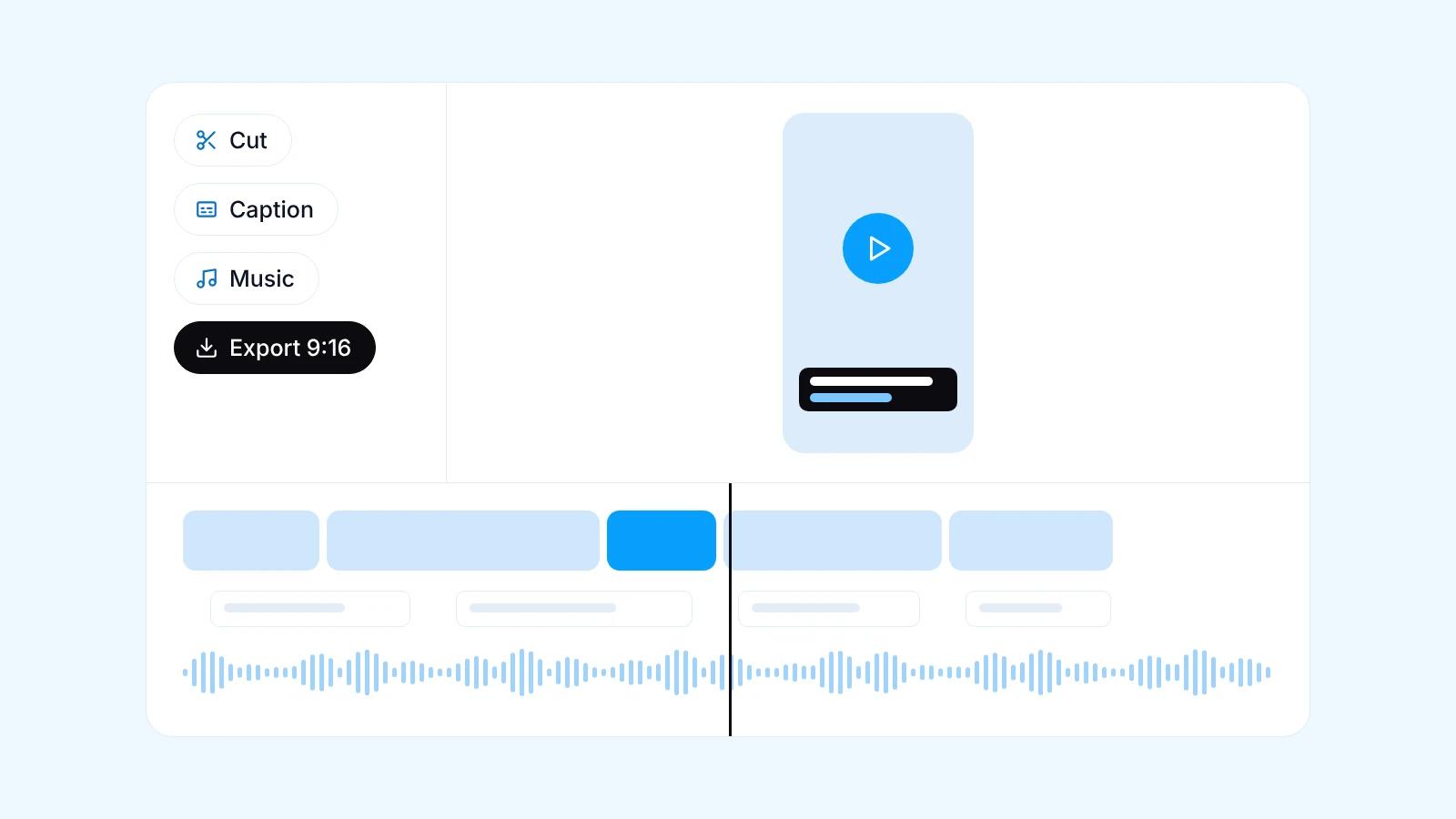
A content editing service turns your own raw footage into ready-to-post social video, such as talking heads, podcast clips, product videos and customer testimonials. The work covers cutting what is not needed, putting a hook in the opening seconds, adding subtitles, music, sound effects, b-roll and colour correction, then exporting in 9:16, 1:1 or 16:9. Metanotech works in batches through a shared folder, so you record, upload the files and receive videos ready to publish.
Quick facts
- For footage you shoot yourself: talking heads, podcasts, product videos and testimonials
- The hook goes in the opening seconds, while rambling and long pauses are cut
- Subtitles are burned in and proofread, since many people watch with the sound off
- Music, sound effects, b-roll and colour correction follow a style agreed at the start
- Exports in 9:16, 1:1 or 16:9 to suit each platform
- Footage arrives through a shared folder, and revisions and delivery run per batch
What footage can be edited
This service is for businesses and creators who already record regularly but lack the time or team to edit. The footage comes from you, usually shot on a phone or a simple camera, and the result is a steady flow of videos ready to post on schedule, including Reels and TikTok editing in one consistent style.
Content editing differs from video editing for general projects such as a company profile video, which is usually one video with its own concept and script. Content editing turns recurring recordings into many short videos with a uniform style.
- Talking heads, meaning you or your team speaking straight to camera
- Podcasts or live sessions cut into several clips
- Product videos: demos, how-to-use clips and unboxings
- Customer testimonials and footage of activities or projects
The opening seconds decide whether a video is watched or skipped
On Reels, TikTok and Shorts, viewers decide quickly whether to keep watching or scroll on. So the editor looks for the strongest line in the recording, such as a surprising statement, a question customers often ask, or the end result of a process, and moves it to the front as the hook. Greetings and logos move to the end or go entirely.
The hook can be reinforced with on-screen text that sums up the video in one line. For podcast clips, the chosen segment has to stand on its own, with a clear start, one main idea and a proper ending, so someone who never saw the full episode still follows it.
Cutting, cleaning up audio and keeping the pace
Talking head footage almost always contains repeats, fluffed lines, filler sounds like um, and long pauses. All of that is cut so the message stays tight. To keep the picture lively, talking head video editing uses jump cuts, meaning direct cuts between sentences, and light zooms, without making your delivery sound rushed or unnatural.
Audio is levelled so the volume stays steady from start to finish, and background noise is reduced as far as possible. Bear in mind that room echo or heavy wind can only be reduced, not removed entirely, so recording quality still shapes the final result.
Subtitles, music, sound effects, b-roll and colour
The next layers make the video pleasant to watch and easy to follow, including for people watching with the sound off. The style of each layer is locked on the first videos in a batch and reused for the rest, so your account looks consistent.
- Subtitles in consistent fonts and colours, with key words highlighted and product names spell-checked
- Music and sound effects cleared for business accounts, mixed below the voice
- B-roll, meaning supporting shots such as product photos, process footage or screen recordings, to cover the cuts
- Colour correction so skin tones and products look natural and match from video to video
Exporting 9:16, 1:1 and 16:9 from one recording
One recording can be exported in several ratios to suit where it will play. 9:16 is for Reels, TikTok, YouTube Shorts and stories, 1:1 for Instagram, Facebook or LinkedIn feeds, and 16:9 for YouTube and websites. When the ratio changes, the subject stays centred and text sits in the safe area, the part of the screen not covered by the app's buttons and captions.
To make every ratio work well, leave some space around the subject when recording. Whether to shoot vertically or horizontally should follow your main platform, and we can settle it together before the first batch.
What to prepare before you record
Editing results depend heavily on the raw footage. A few simple recording habits make the edit faster and the result cleaner, without expensive gear.
Metanotech is based in Gunung Putri, Bogor Regency. The first consultation on WhatsApp is free, and the whole workflow can run remotely through a shared folder.
- Mount the phone on a tripod and record at the highest resolution available
- Face the light source, such as a window, rather than having it behind you
- Use a clip-on microphone and record in a room without echo
- Pause briefly before and after each key point
- Send your logo, fonts and brand colours with the first batch
| Footage type | Editing focus | Common ratios |
|---|---|---|
| Talking head | A hook from the strongest line, jump cuts, subtitles and supporting b-roll | 9:16 for Reels, TikTok and Shorts |
| Podcast or live session | Picking segments that stand alone, on-screen titles and subtitles | 9:16 for clips, 16:9 for the long version |
| Product video | Product detail, short feature text, music and sound effects | 9:16 and 1:1 |
| Customer testimonial | The customer's most specific lines, their name and context on screen where permitted, and subtitles | 9:16 and 1:1 for social media, 16:9 for the website |
Frequently asked questions
How is content editing different from video editing?
Content editing turns your regular recordings, such as talking heads, podcasts, product videos and testimonials, into many short ready-to-post videos in one style. Video editing is for general video projects, such as a company profile video with its own concept and script. If you record regularly and need a steady stream of social content, content editing is the right choice.
Is phone footage good enough?
For most social media content, phone footage is enough as long as it is steady, well lit and clearly audible. Use a tripod, face the light and use a clip-on microphone where possible. Echoey sound or footage that is too dark can only be partly fixed in the edit, so recording quality still affects the final result.
How do I send the raw footage?
Raw footage goes into a shared folder, such as Google Drive, with one folder per batch. Add a short note per file, such as the topic, the part to highlight or how product names are spelled. Send the original files from your phone or camera rather than through a chat app, because chat apps compress video and lower its quality.
How long does a batch take to edit?
Turnaround depends on the number and length of the recordings, the kind of editing needed and how quickly the style is approved on the first videos. So the schedule is agreed at the start once we have seen the material and the requirements, not promised before the footage arrives. Later batches tend to run more smoothly because the style is already locked.
How do revisions work?
Edited videos are sent for review, and you leave revision notes with the timestamp of each part you want changed. The number of revision rounds is agreed at the start as part of the scope. The subtitle, music and colour style is locked on the first videos, so later revisions usually concern content rather than look.
How much do content editing services cost?
The cost of content editing depends on the number of videos, the length of the footage, how complex the editing is, for example b-roll and animated text, and how many ratios are exported. Tell us what you need on WhatsApp, the consultation is free, and we will send a proposal that fits.
Related services
Start a project
Tell us the problem.We'll build the fix.
Free consultation on WhatsApp. Tell us about your business, what you want to build, and what is getting in the way.