
AI Integration for ERP and CRM Systems
AI integration for ERP and CRM means adding AI to the systems your company already uses instead of replacing them. It connects through an API, the official route for exchanging data between systems, to summarise customer history, draft follow-ups, read purchase order PDFs or answer report questions. Data changes still need a person's approval and are logged.
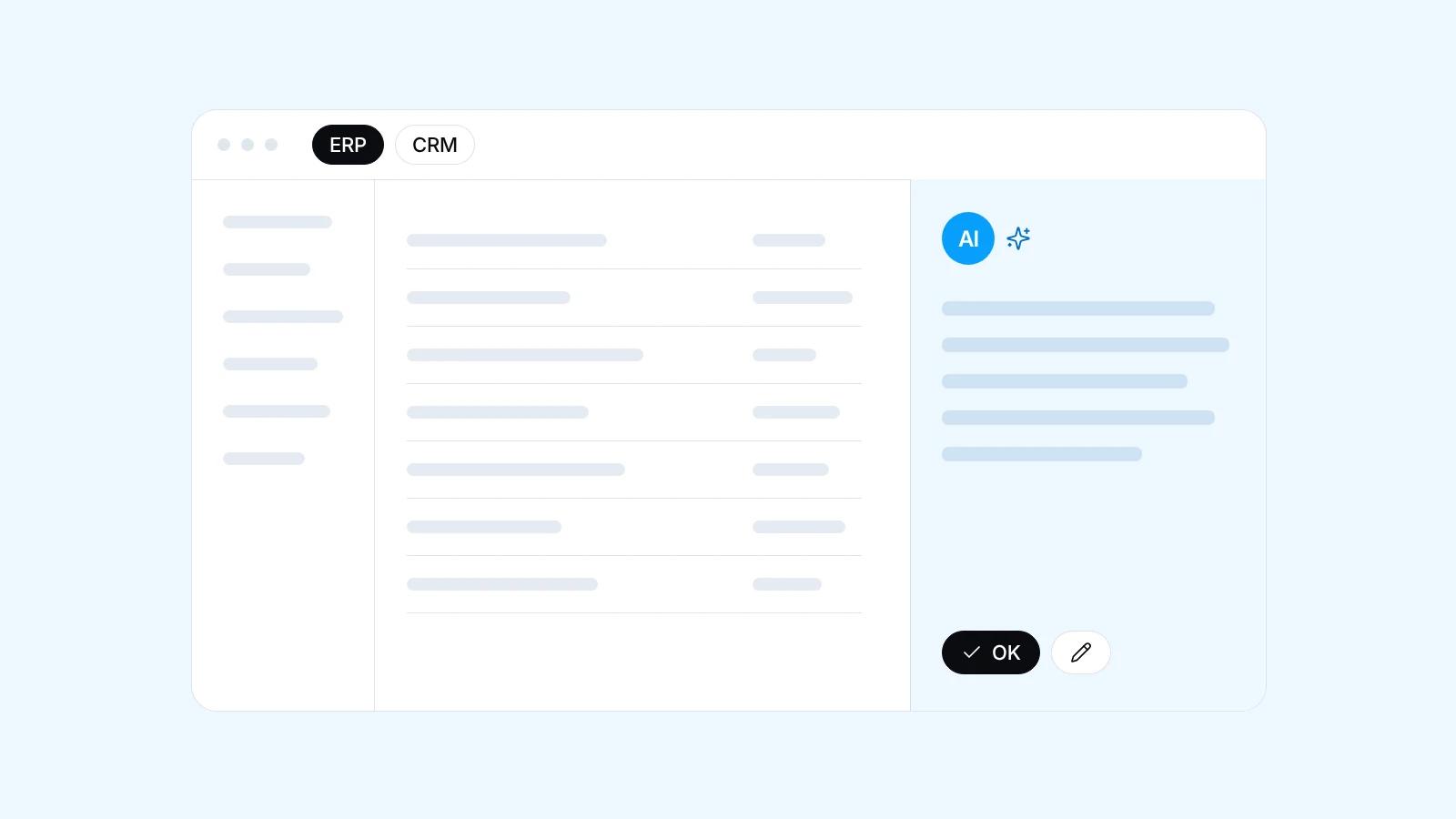
Quick facts
- Your current system stays, and AI connects through its API or a data export
- Examples: Odoo, Accurate or Google Sheets, as long as there is an API or data export
- The first stage only reads data, writes come later as drafts a person approves
- The AI only sees what the person asking may see in their role
- Start with one feature in a screen your team uses, measure, then add the next
Why add AI instead of replacing your system
A running ERP or CRM holds things that are hard to rebuild: transaction history, customer data, accounting settings and your team's habits. Replacing it just to get AI means data migration, retraining and a risky transition. AI can often be added as a layer that reads from and writes to the existing system through its official interfaces.
Where AI helps in a CRM
In a CRM, AI helps most just before and after a sales meeting. Before a call or visit, the salesperson gets a summary of the customer's history: recent orders, open quotations, unresolved complaints, the last conversation. Afterwards, the AI drafts a follow-up from the notes, which the salesperson checks and sends personally.
Leads from the website, WhatsApp or email can also be sorted by product interest, region and urgency, then suggested to the right salesperson. The AI writes down its reasons, so the sales manager can correct it when it is wrong, and those corrections refine the sorting rules.
Where AI helps in an ERP
In an ERP, AI suits two jobs: reading documents and watching numbers. A customer's purchase order PDF becomes a draft sales order, and a supplier's invoice a draft vendor bill. Staff compare each draft with the original PDF on one screen before saving. Unusual layouts or blurry scans still need a closer look.
AI can also flag unusual stock or order movements, such as an order far larger than that customer usually places. A flag only asks someone to check. Managers can ask questions in plain language, like which products are selling less at a branch, and see the figures with how they were calculated.
How the technical connection works
The main route is the API. For anything needing an immediate response we use webhooks, automatic messages a system sends when something happens, such as a new lead or invoice. Connectable systems include, for example, Odoo, Accurate or Google Sheets, as long as they have an API or data export. The rollout is staged:
- The first stage only reads data: AI output can be wrong, so it is judged before it may change anything
- Writes start as drafts a person approves, not records saved directly
- The AI uses its own integration account with limited rights, never an admin login
- Every AI read and write is logged with the user who asked for it
AI inside the screens your team already uses
AI in a separate app tends to be abandoned, because staff must copy data back and forth. So we put them where work happens: a summarise button on the customer page, a read document button on the purchase form, a report panel on the dashboard. Output lands in the activity notes, labelled as AI-generated.
This matches the Odoo-like systems we build, where work gets done on one flexible screen. Our AI portfolio also has AI inventory features inside a warehouse app, connecting stock, purchasing and customer service conversations. If the old screens cannot be changed, the AI can live in a side panel or a WhatsApp assistant.
Access rights, sensitive data and logs
The rule: the AI sees only what the person asking may see under their role. A salesperson cannot ask it about salaries or margins the system already hides from them. Sensitive fields such as bank account or identity numbers stay out of the prompt, the text sent to the model, unless the task needs them.
We also review the model provider's data terms with you, and who may read the logs. Plainly put, AI answers are only as good as the data and access behind them. Messy data gives messy answers, so sometimes the first job is cleaning up the data.
When the old system has no API
If the system can export data on a schedule, for example to Excel, the AI can still read and analyse it, though not write back, so the output becomes reports, task lists or alerts. Database read access may also work if the vendor allows it. Screen-clicking bots are worth avoiding: they break when the layout changes.
Sometimes a new system makes more sense: the old one is closed, the data sits in many spreadsheets, or the vendor has stopped supporting it. Then we build a custom business system module by module with AI built in, and your team uses the first module in daily work before the next one starts.
| Module | AI feature | Data needed |
|---|---|---|
| CRM | Customer history summaries and follow-up drafts | Order history, open quotations, visit notes, complaints |
| CRM, incoming leads | Lead sorting with a suggested salesperson | Form entries or first messages, product list, sales territories |
| Sales and purchasing | Purchase order and supplier invoice PDFs read into drafts | Sample PDFs per sender, customer and supplier lists, item codes |
| Warehouse | Flags for unusual stock or order movements | Stock movement history, minimum stock levels, customer order patterns |
| Reporting | Plain-language answers to report questions, with figures | Read access to transactions, plus the company's own term definitions |
Frequently asked questions
Do we have to replace our ERP or CRM to use AI?
No. If your system has an API or can export data, AI can be added to it while transaction history, settings and team habits stay intact. Replacement is only worth considering when the old system is truly closed, the data is scattered, or the vendor no longer supports it.
Which systems can be integrated with AI?
Any system with an API or data export can be integrated, for example Odoo, Accurate or Google Sheets. Custom-built systems work too, and a missing API can be added. Export-only systems let the AI read and analyse but not write back, so its output is reports or task lists.
Can the AI change data in our ERP directly?
Yes, but not at first. Integration starts read-only, then writing opens up as drafts a person must approve, such as a draft sales order from a purchase order PDF. Only low-risk actions, like adding an activity note, skip approval, and everything is logged with the user who asked.
How does the AI read purchase order and invoice PDFs?
The AI reads the PDF, picks out fields such as customer or supplier name, item codes, quantities and dates, and fills a draft in the ERP. Staff check it beside the original PDF before saving. Clean layouts read more reliably, while blurry scans or handwriting need a closer check.
Is our company data sent to the AI model provider?
Yes, but only what a task needs. Sensitive fields such as bank account, salary or identity numbers stay out of the prompt, the text sent to the model, unless required, and the AI reads only what the user's role allows. The model, such as Claude, Gemini or an OpenAI model, is chosen with you based on the task and your data rules.
How much does AI integration for ERP and CRM cost?
Pricing depends on what you need and the scope of the work. Tell us about it on WhatsApp, the consultation is free, and we will send you a proposal that fits.
Related services
Start a project
Tell us the problem.We'll build the fix.
Free consultation on WhatsApp. Tell us about your business, what you want to build, and what is getting in the way.